

Local marketplace
Find the right city hub before you open the feed
Browse local rentals the cleaner way. Start with the city, scan the most useful categories, and move into live listings once you know the right path.
How it works
The landing page stays simple: choose the right city, scan the categories, then open the marketplace feed with context.
Pick a city
Start with the local hub that matches your pickup area so the feed feels immediately relevant.
Browse categories
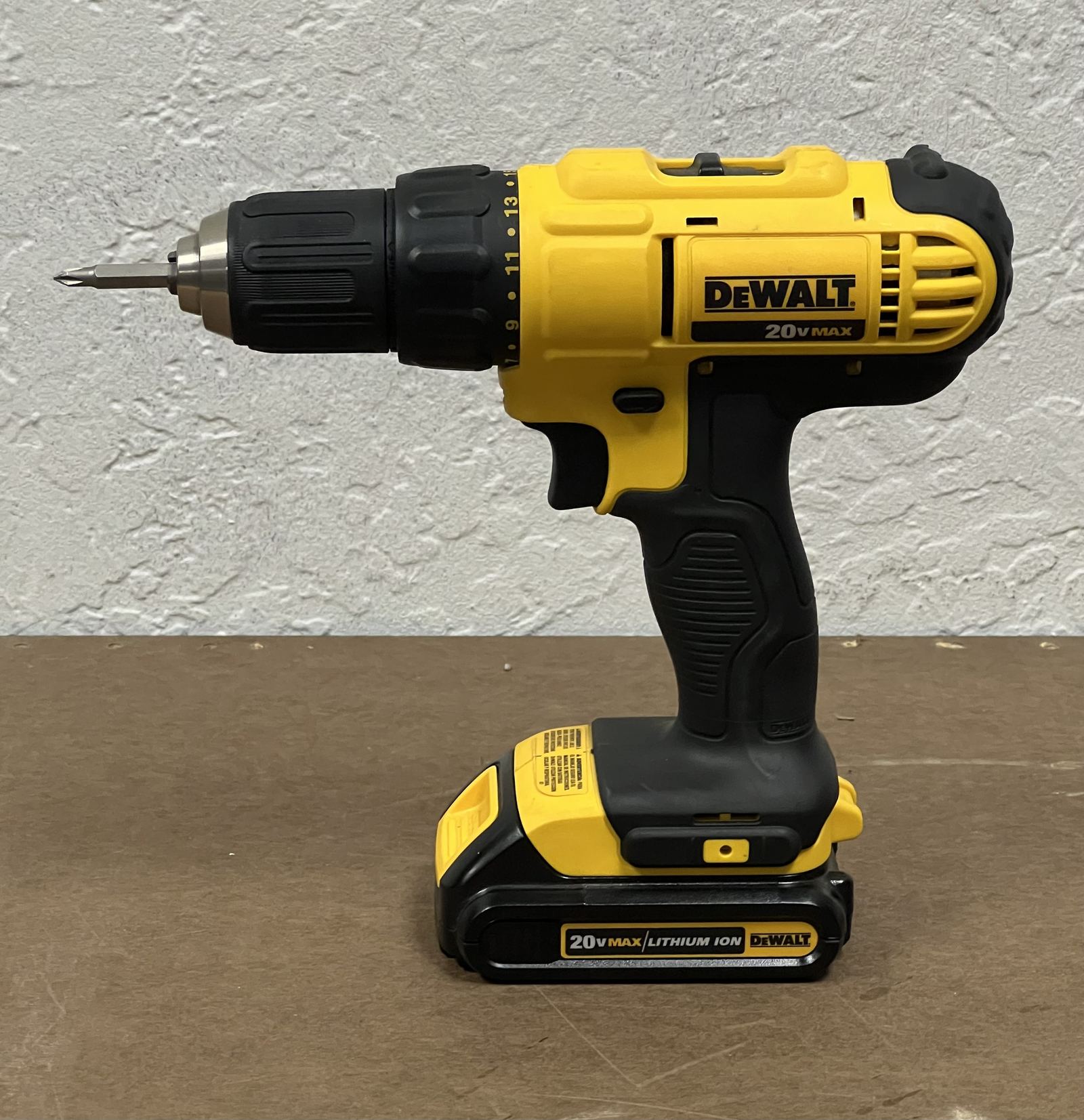
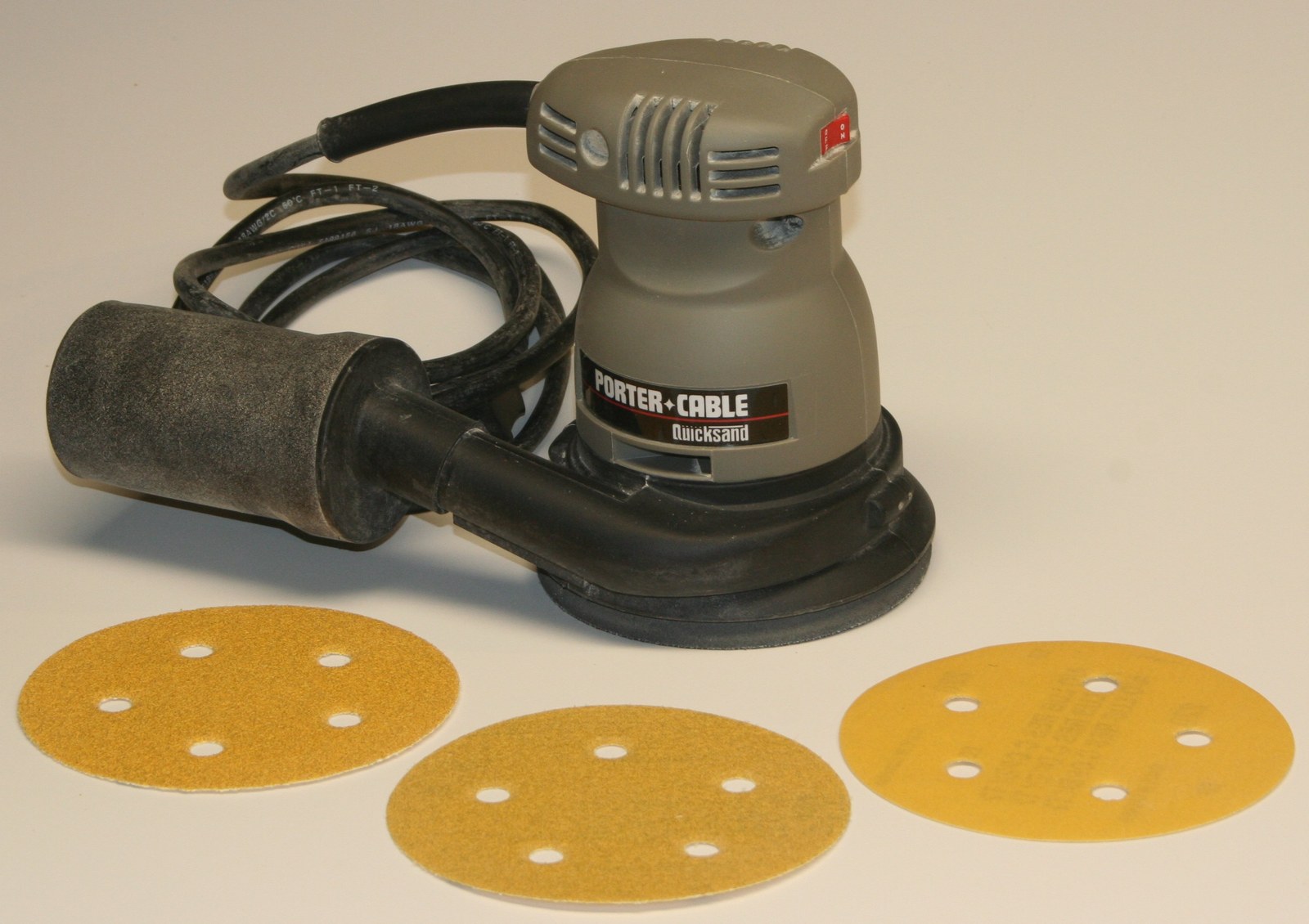
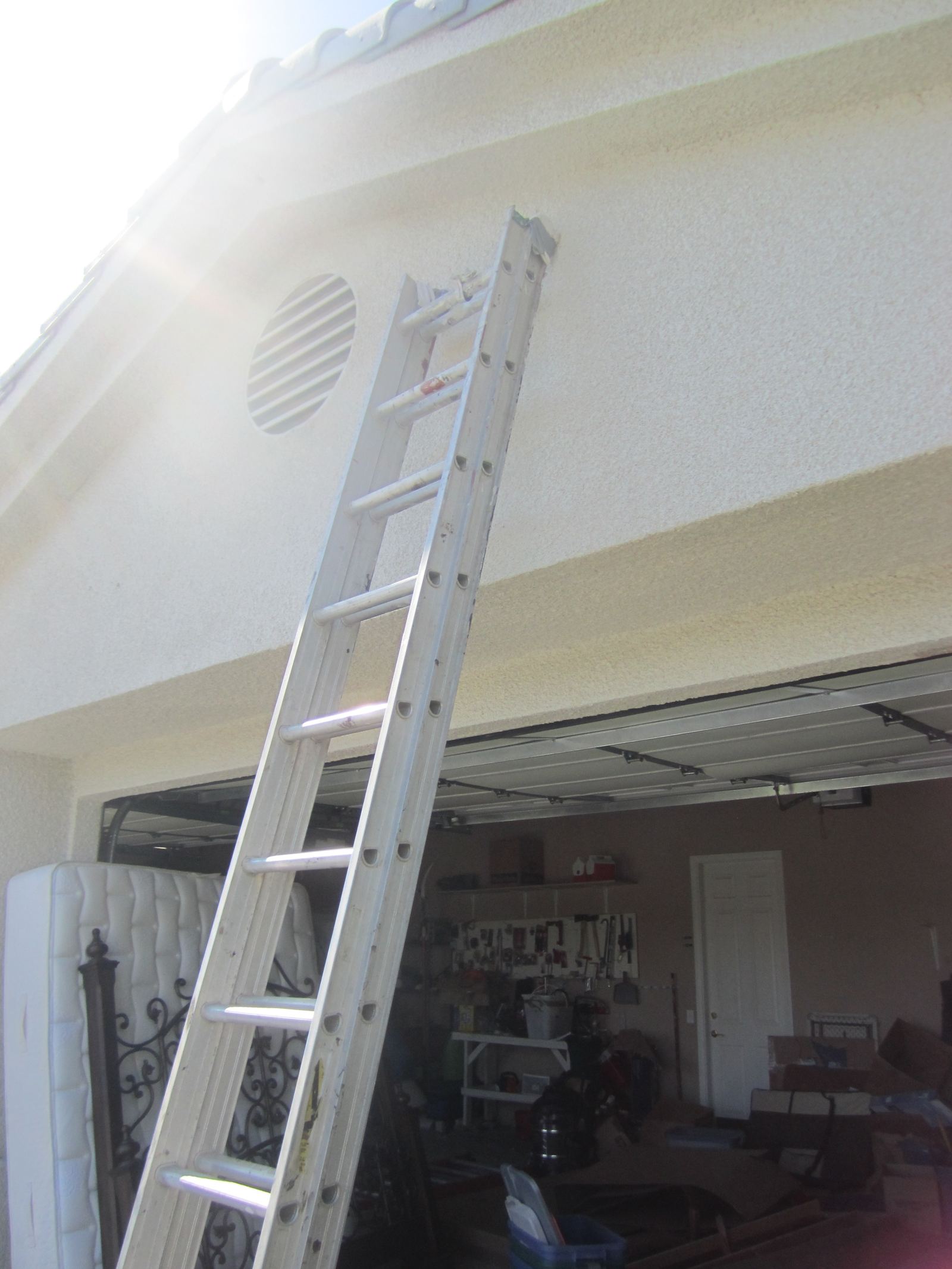
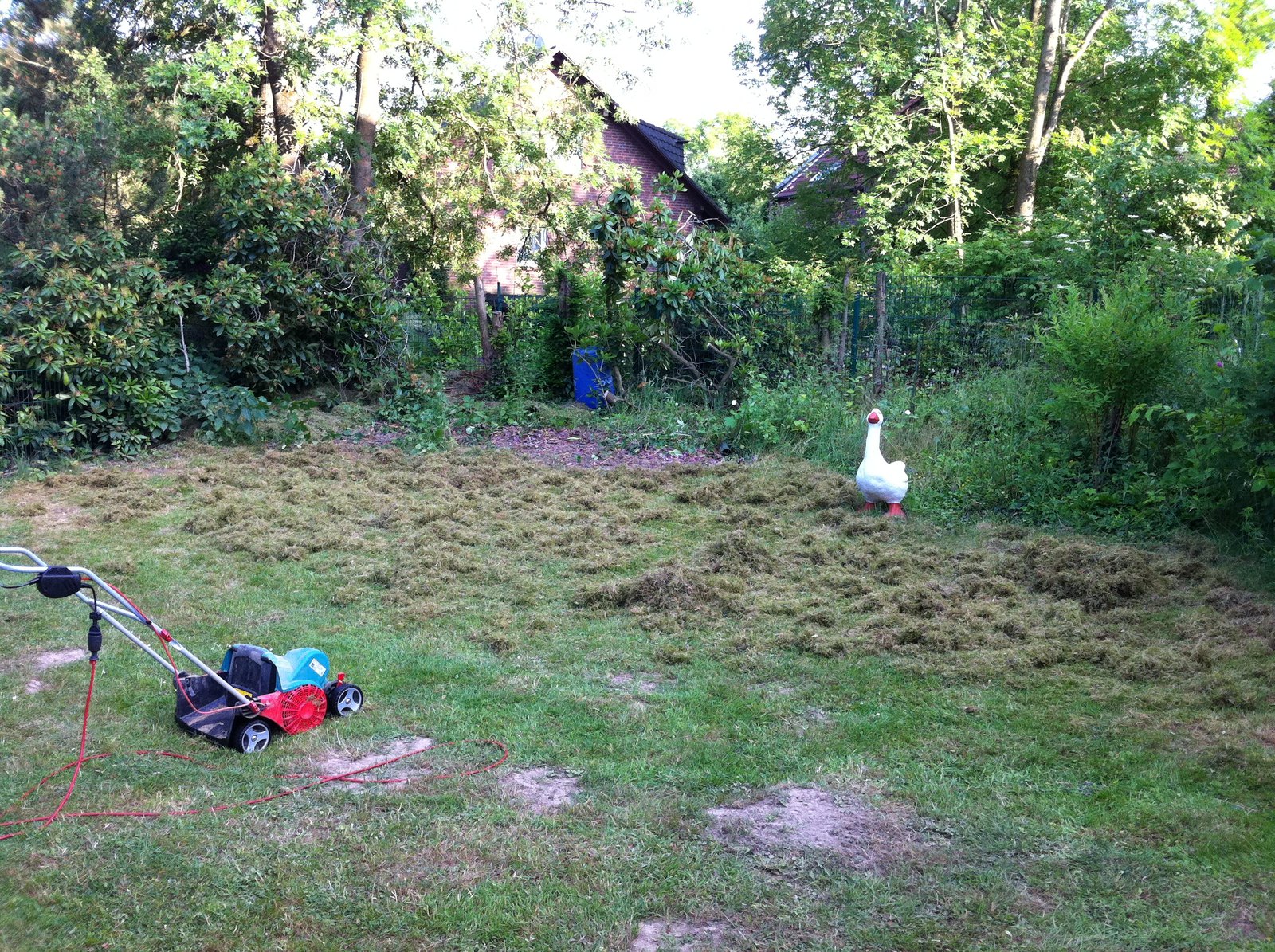
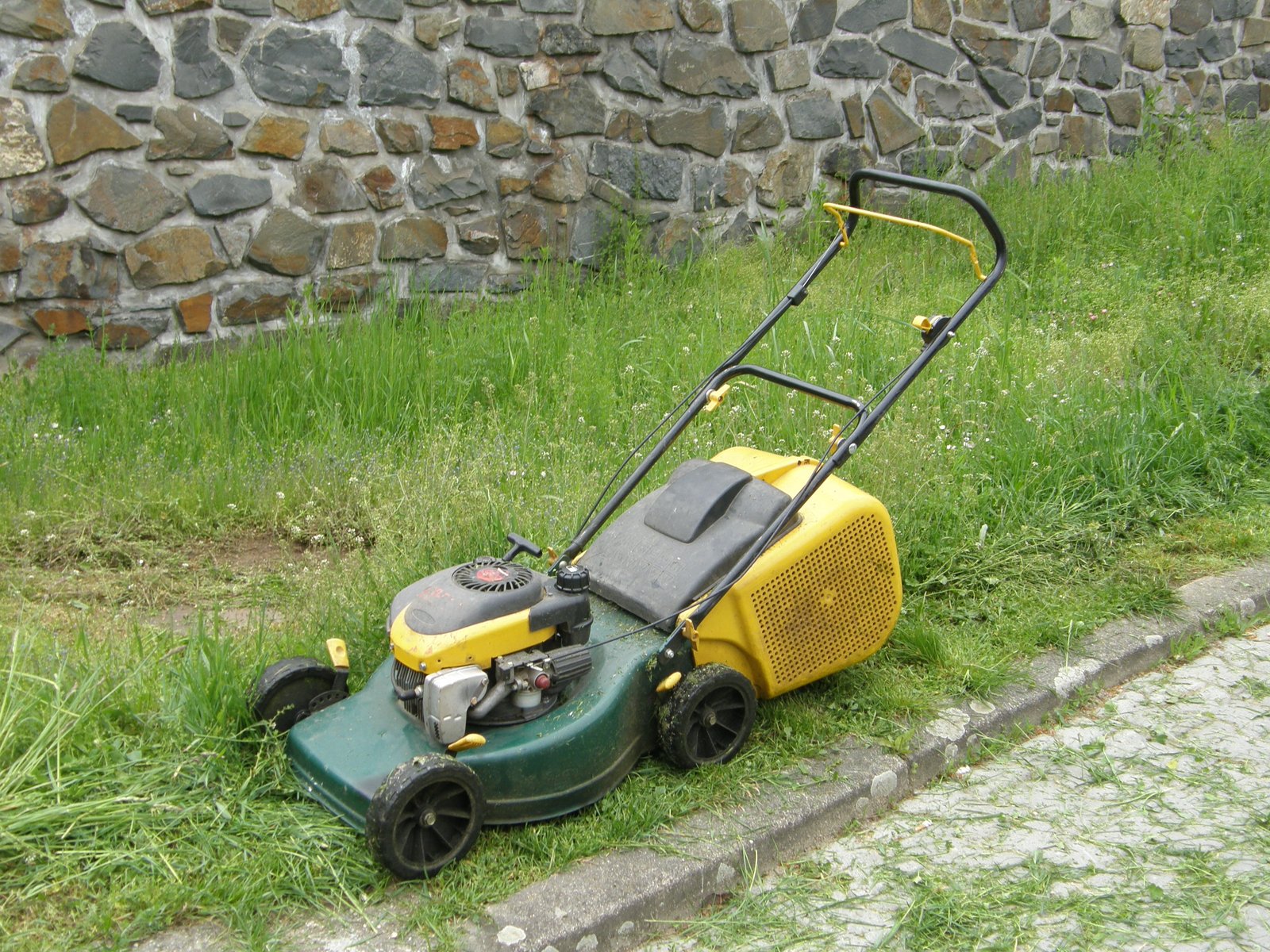
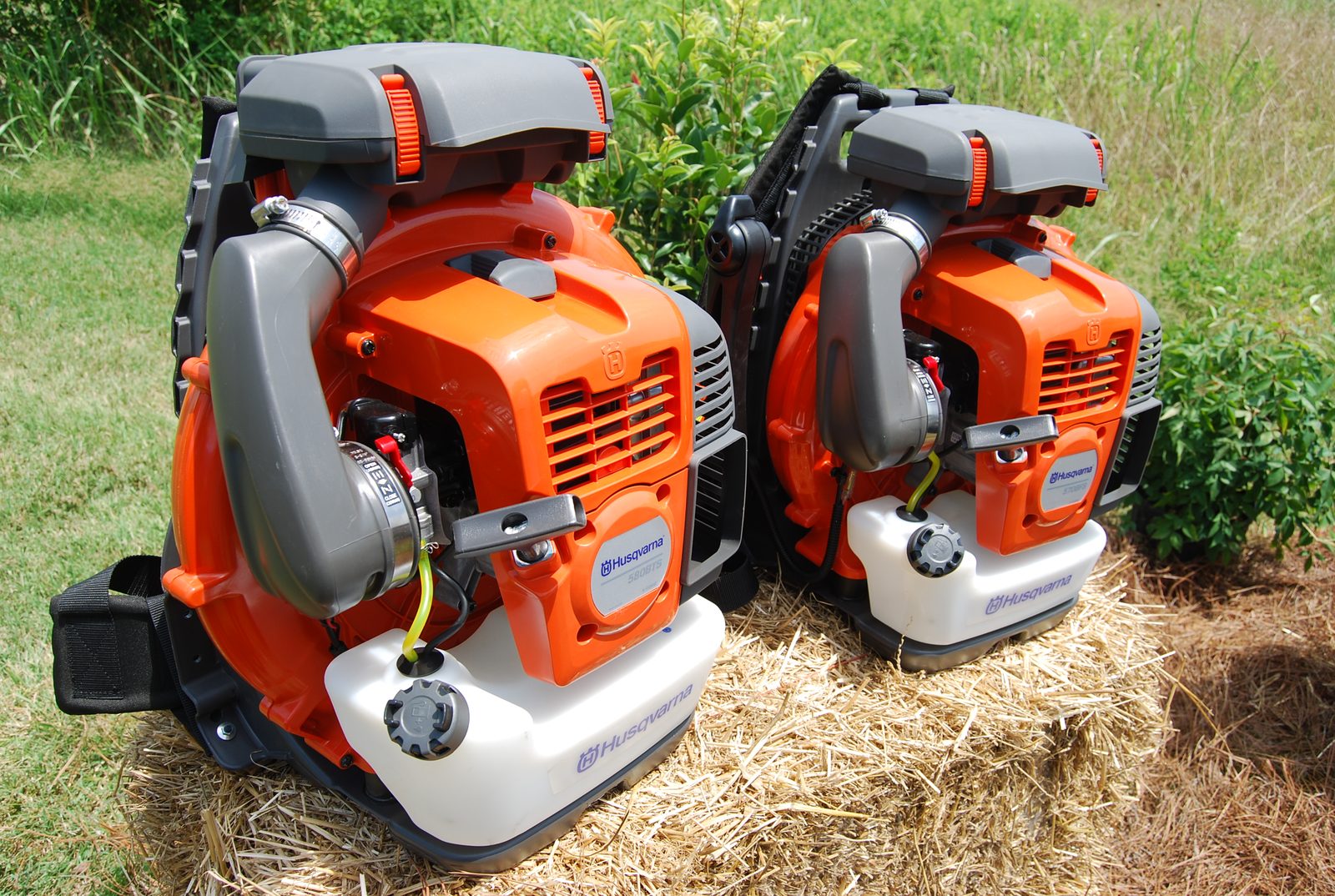
Scan the most-rented tools first to narrow into the jobs, seasons, and gear people book most.
Open the feed
Jump into live listings once you know the right city and category path for your project.
Popular rental categories
Browse the categories renters open most often across Edmonton and Calgary.

City rentals FAQ
Short answers for first-time renters browsing city pages on Rentino.
City hubs group the most useful local context first, including popular categories, pickup areas, and seasonal demand. It is the fastest way to get oriented before you browse individual listings.
Ready to browse rentals?
Choose your city, compare local categories, and move into verified listings when you are ready to book.